
Photo by Andrew Kelly
Really Useful Media is a full service, boutique production company based in Brooklyn, NY. We work on location around New York City, the US, and internationally.
Our videos tell world-changing stories that help clients engage donors, raise awareness, secure funding, break attendance records, and make audiences laugh and cry. Our work has appeared in museums, festivals, award shows, and national publications, including the New York Times and Washington Post.
Our talented creative team includes directors of photography, editors, producers, camera operators, sound mixers, lighting designers, and audio engineers.
Learn more about our values and commitment to diversity, equity, and inclusion.
MEET THE TEAM
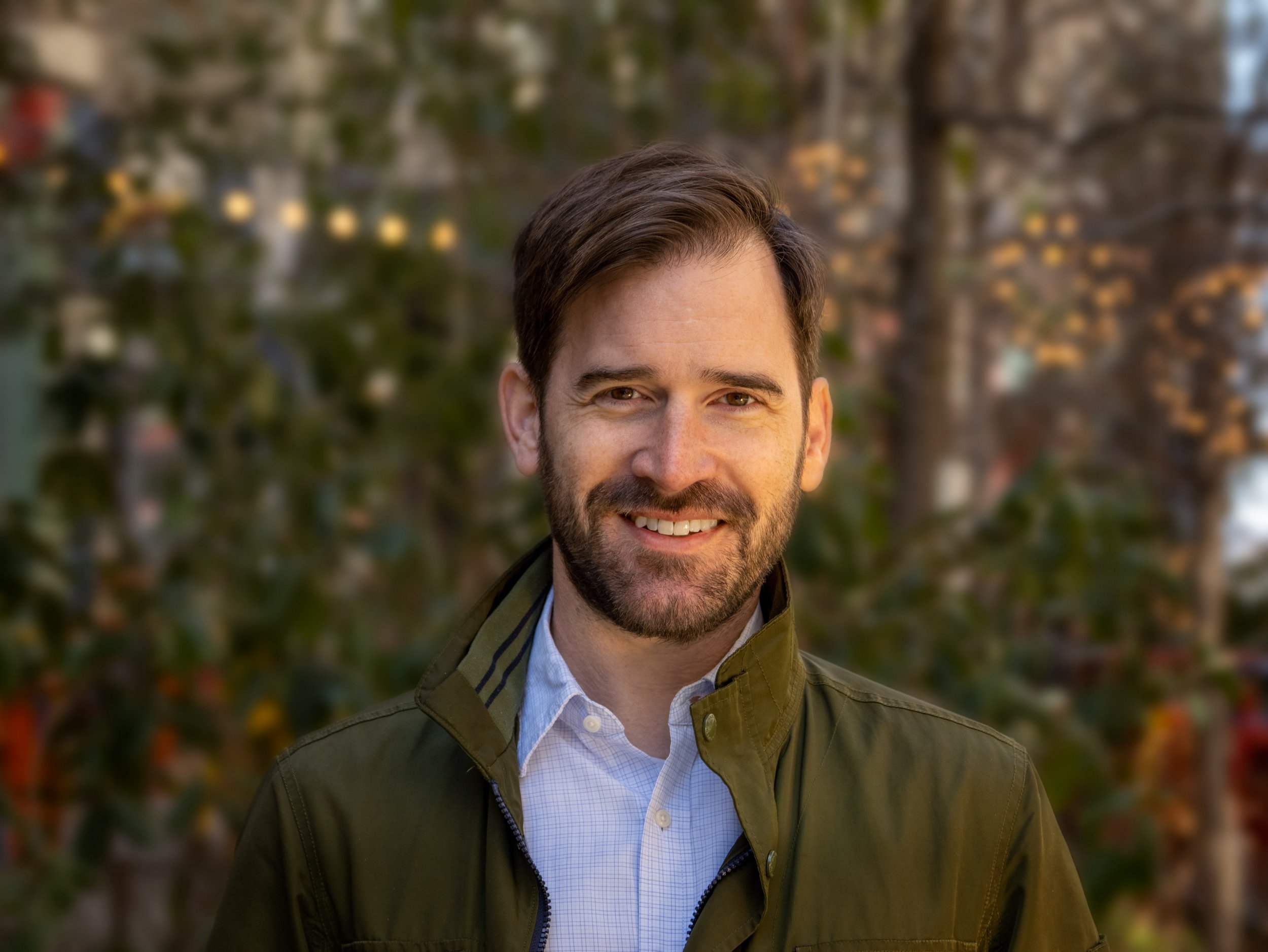
DAN WINCKLER

Founder, Director of Photography & Supervising Editor
Dan founded Really Useful Media in 2007, bringing together diverse disciplines ranging from filmmaking to interactive technology to improv comedy, as a means of helping clients find creative and technical solutions to achieve their goals with video. He has worked in the intersections of art, video, and technology for more than twenty years, creating short documentaries and other video content for leading nonprofits, and directing livestream events for national and international audiences. As a director of photography, he draws inspiration from the direct cinema of Albert and David Maysles, the films of Errol Morris, and the narrative journalism at Frontline.
He also holds a BA from the College of William & Mary and an MS in Interactive Digital Media from NYU.

EMILY KORNBLUT
Executive Producer & Story Editor
Emily joined Really Useful Media in 2009 to combine two of her passions: mission-driven work and documentary storytelling. Emily has partnered with dozens of clients across a wide range of social issues to discover their best stories, communicate impact, and develop tailored methods for audience engagement. An experienced content strategist, she loves to dream up new ideas for clients and bring their work to life through a proven method of interviewing and narrative building, combined with detail-oriented project management.
Her previous professional experience includes nonprofit and education program development, work that took her to more than ten countries on four continents. Emily has a BA in History and International Development from McGill University and an MA in International Education Development from Teachers College, Columbia University.
She lives in Brooklyn with her family.
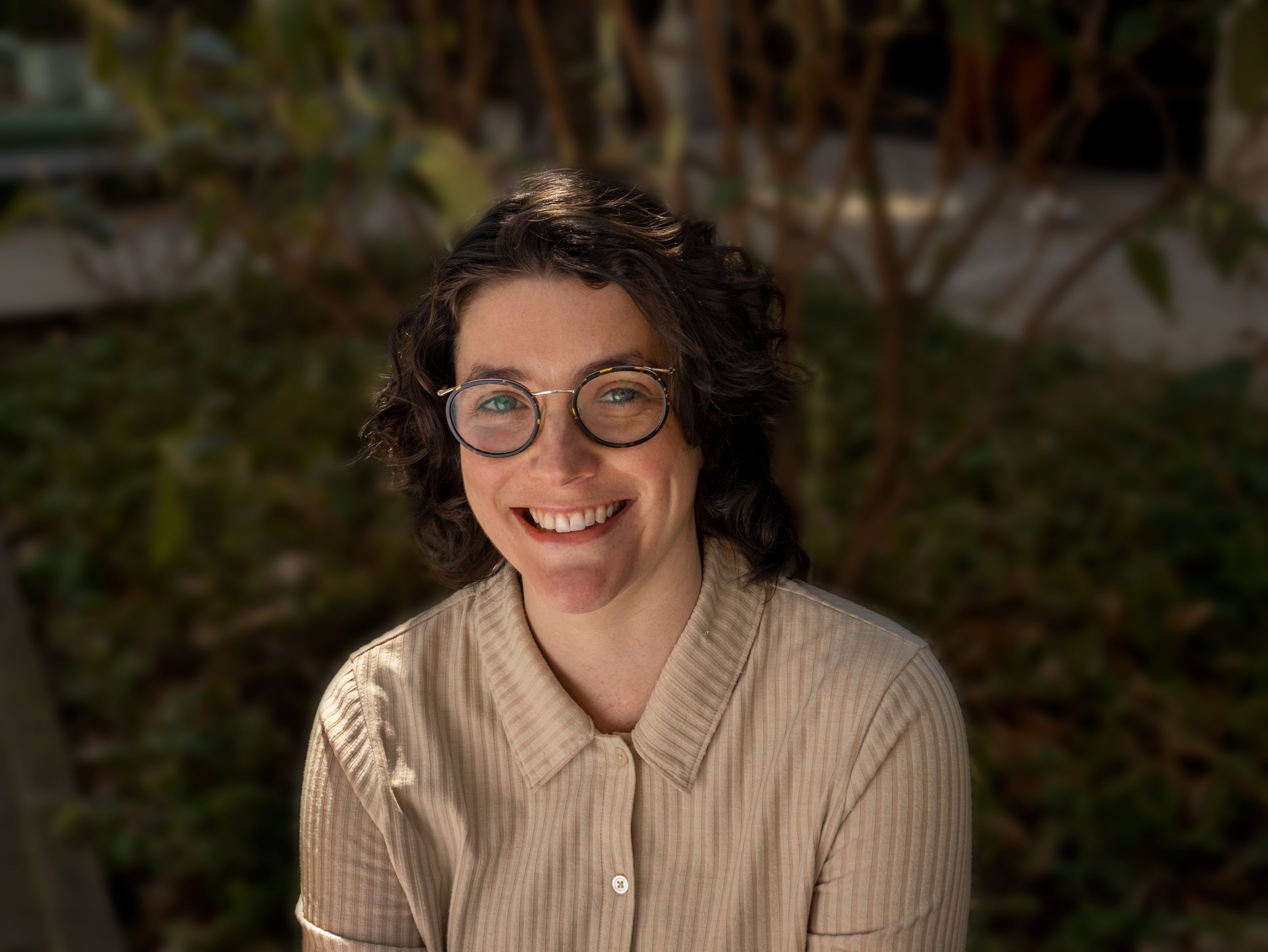
SUSAN LANIER
Studio Manager
Susan joined Really Useful Media in 2019 with several years of experience working in non-profit development and studio management. Susan oversees all studio operations, and ensures client projects are delivered on-time and within budget so our producers and filmmakers can focus on what they do best—telling thoughtful stories for our clients.
A storyteller herself, Susan holds an MFA in Creative Writing from Columbia College Chicago and a BFA in Photography from the Rochester Institute of Technology. Her first collection of stories, The Game We Play, was called “deliciously painful” by Paste Magazine. Her work has also appeared in MAKE, Hobart, Another Chicago Magazine and elsewhere.

LOURDES KALUSHA-AGUIRRE
Video Producer
Lourdes joined Really Useful Media in 2022 after working as a video editor, producer, and independent filmmaker. As Video Producer, she brings her experience in documentary storytelling and live event broadcast to meet clients’ growing demands for online and hybrid video production.
Lourdes is enthusiastic about media’s power for good, and has seen its impact firsthand as an independent filmmaker. Her 2021 documentary “Searching for La Yarda,” generated discussion at numerous screenings and aided a city committee in preserving the history of a Mexican-American community in her hometown. She holds a BA in Film and Media Studies from the University of Kansas.

KHALID STRAKER
Video Producer
Khalid joined Really Useful Media in 2022 as a Video Producer. He brings over ten years of success working in fast, high-stakes environments and an aptitude for adapting to clients’ changing needs, having worked as a motion graphics designer, video editor, and technical director.
Khalid is a jack-of-all-trades with experience in every phase of production, and has created content for newly launched start-ups and major platforms alike. He loves to use media to tell stories and is vitalized by opportunities to use his knowledge to help people. He holds a BA from CUNY York College, where he studied Communications Technology.
To learn more about how we can help your organization, get in touch.